


Integrated Vehicle Technology Manufacturer
We are a global market leader in the design, engineering and manufacturing of integrated vehicle safety and enhanced audio solutions for the automotive industry

NEW PRODUCTS
Be first to know about our new products by signing up to our Newsletter


-

CTKBM40
Installation kit
BMW X5 (F15/F85) 2013-2018
-
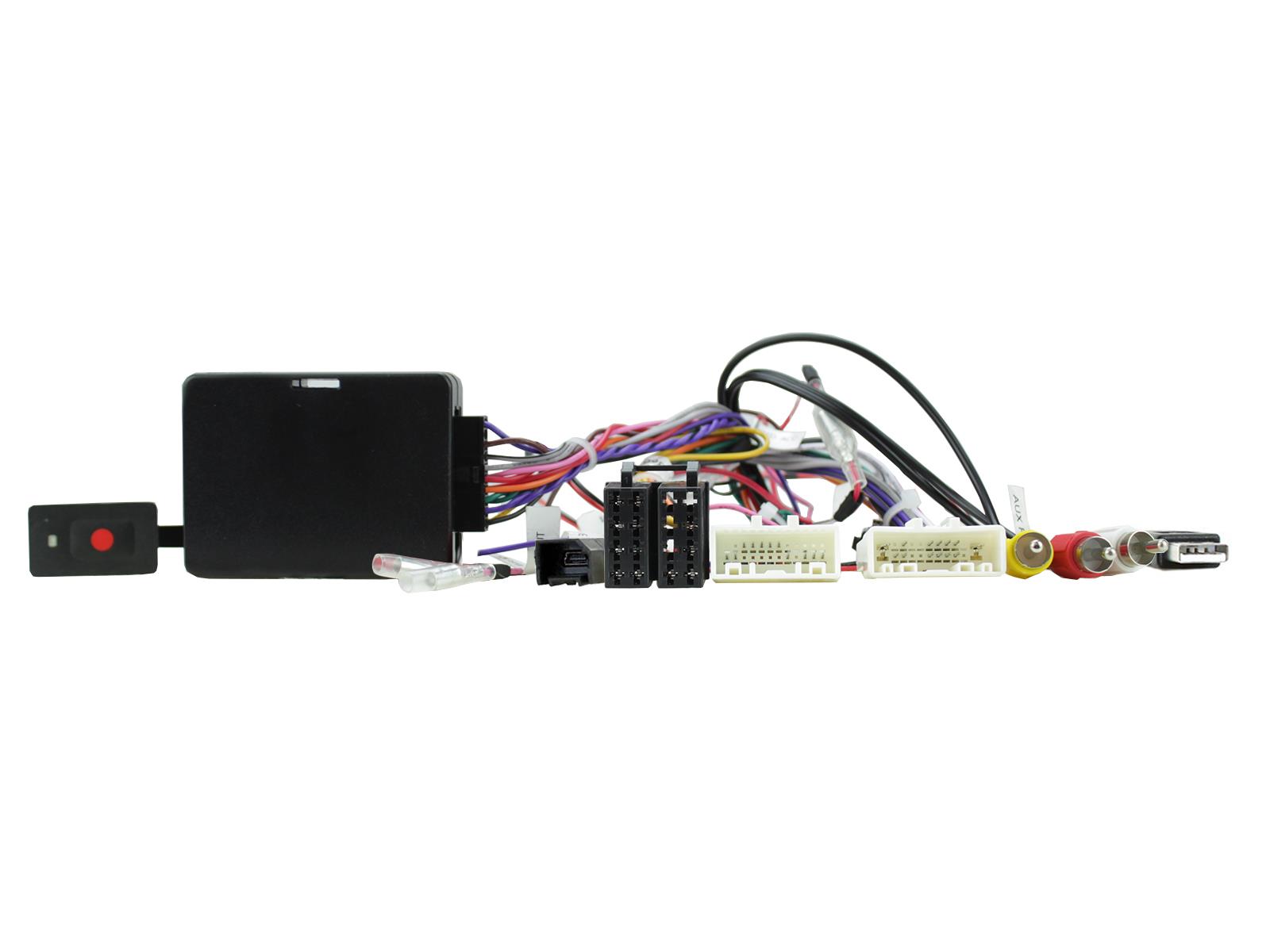
CTSNS025.2
360-Degree Camera & Steering Control Retention Interfaces
Nissan Kicks 2017-2019
Nissan Qashqai 2015-2018
Nissan Rogue 2014-2018
Nissan X-Trail 2017-2018 -
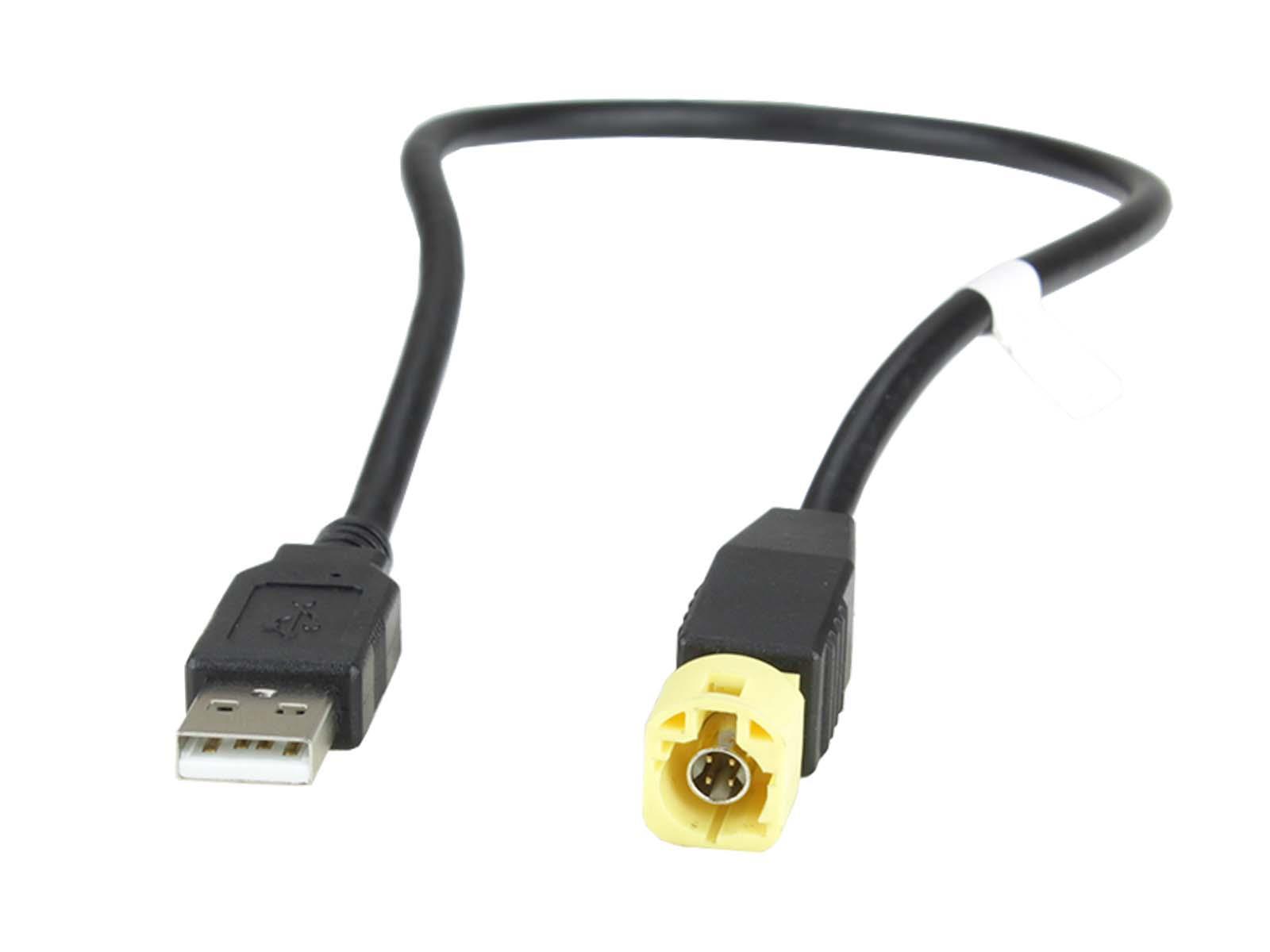
CTBMWUSB2
BMW X5 Retention Lead
Retain the use of the BMW X5 factory-installed USB socket. -
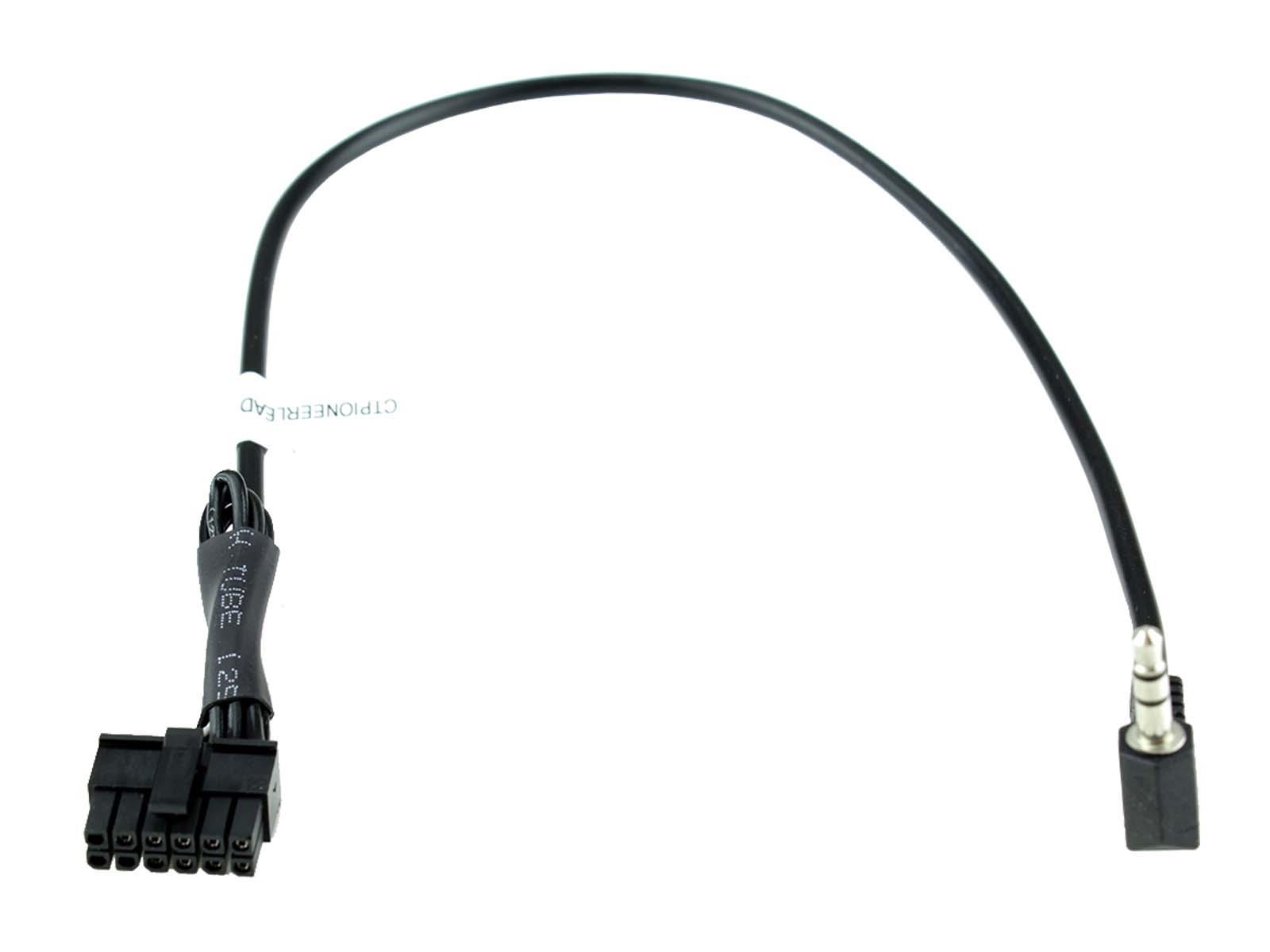
CTPIONEERLEAD.2
Pioneer head unit connection lead
Connect any Pioneer head unit to any of the Connects2 steering wheel control interface range -
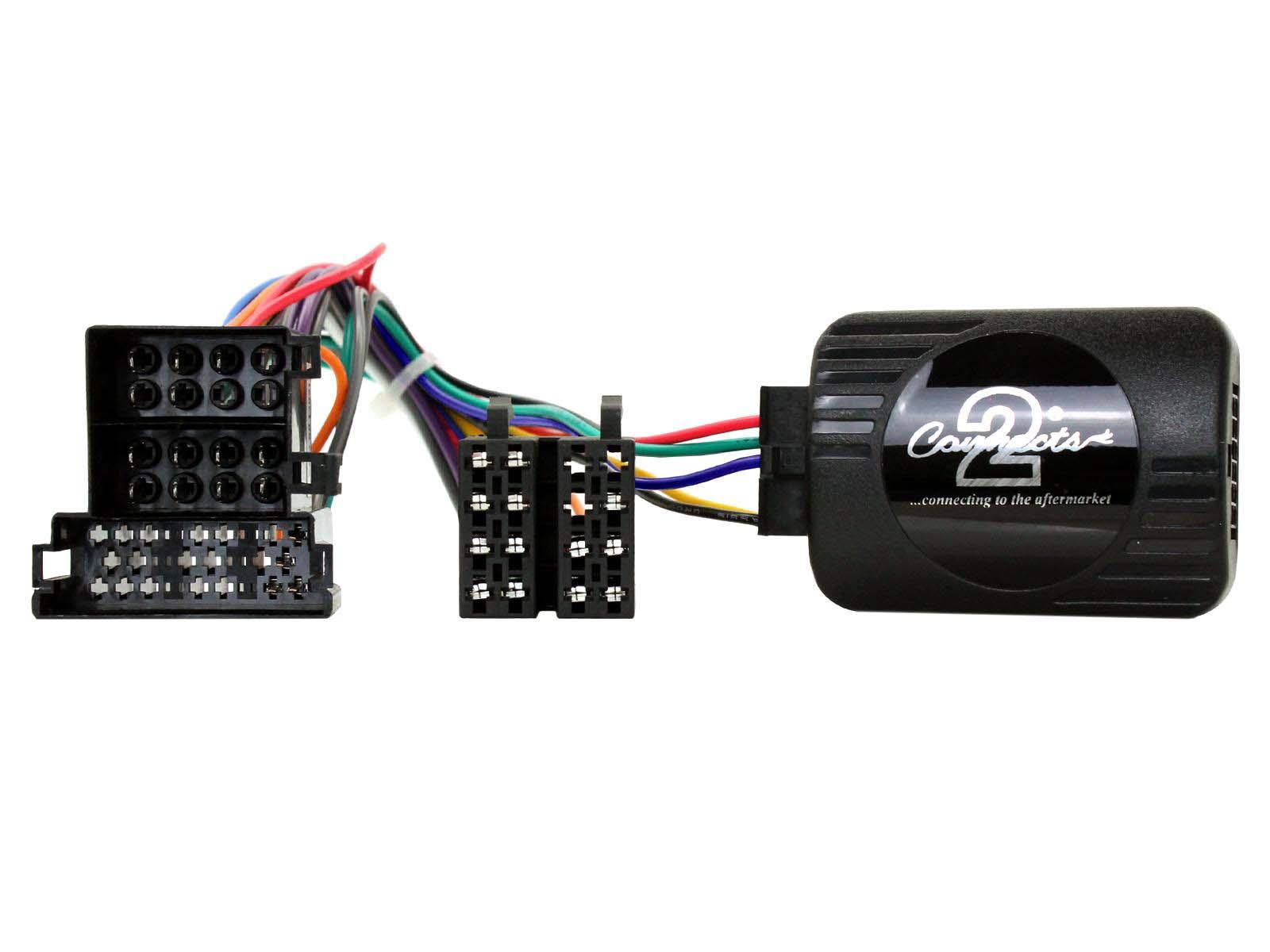
CTSFA024.2
Steering Control Retention Interfaces
Fiat Ducato (8 Series) 2022-Up -
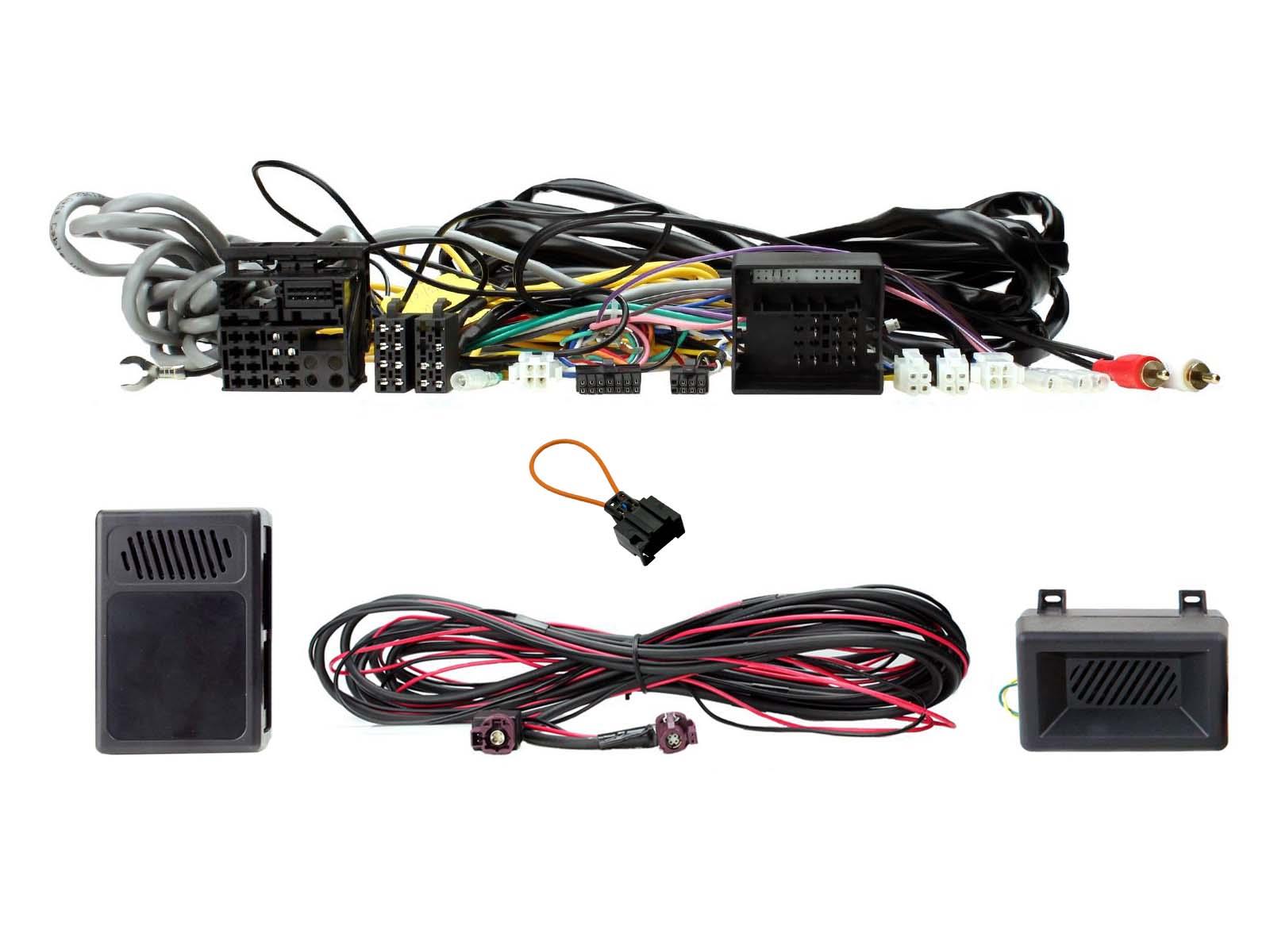
CTSBM017.2
Steering Wheel Control Retention Interfaces
BMW X5 (F15/F85) 2013-2018
-
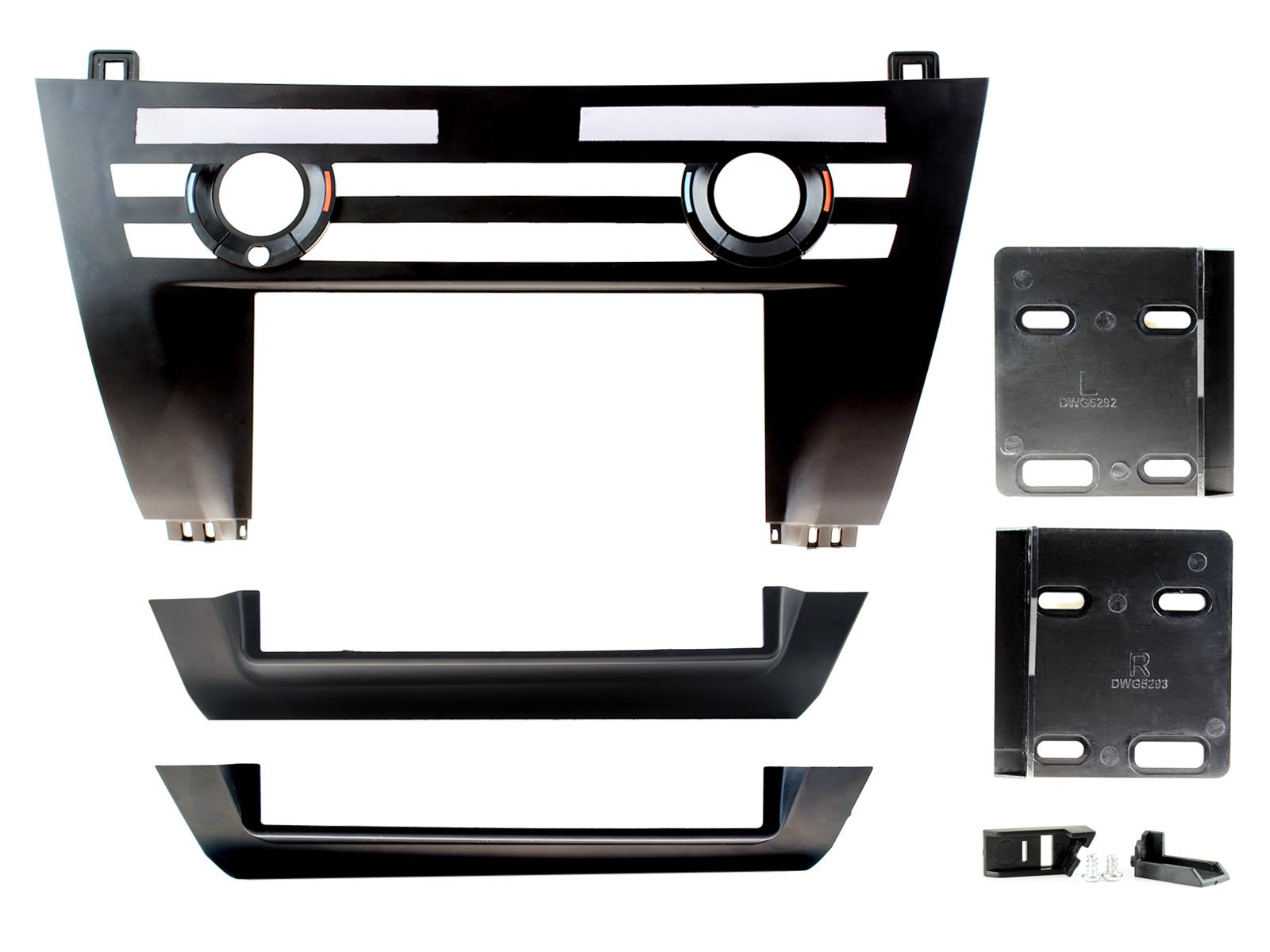
CT23BM23
Double Din Fascia Panel
BMW X5 (F15/F85) 2013-2018
-
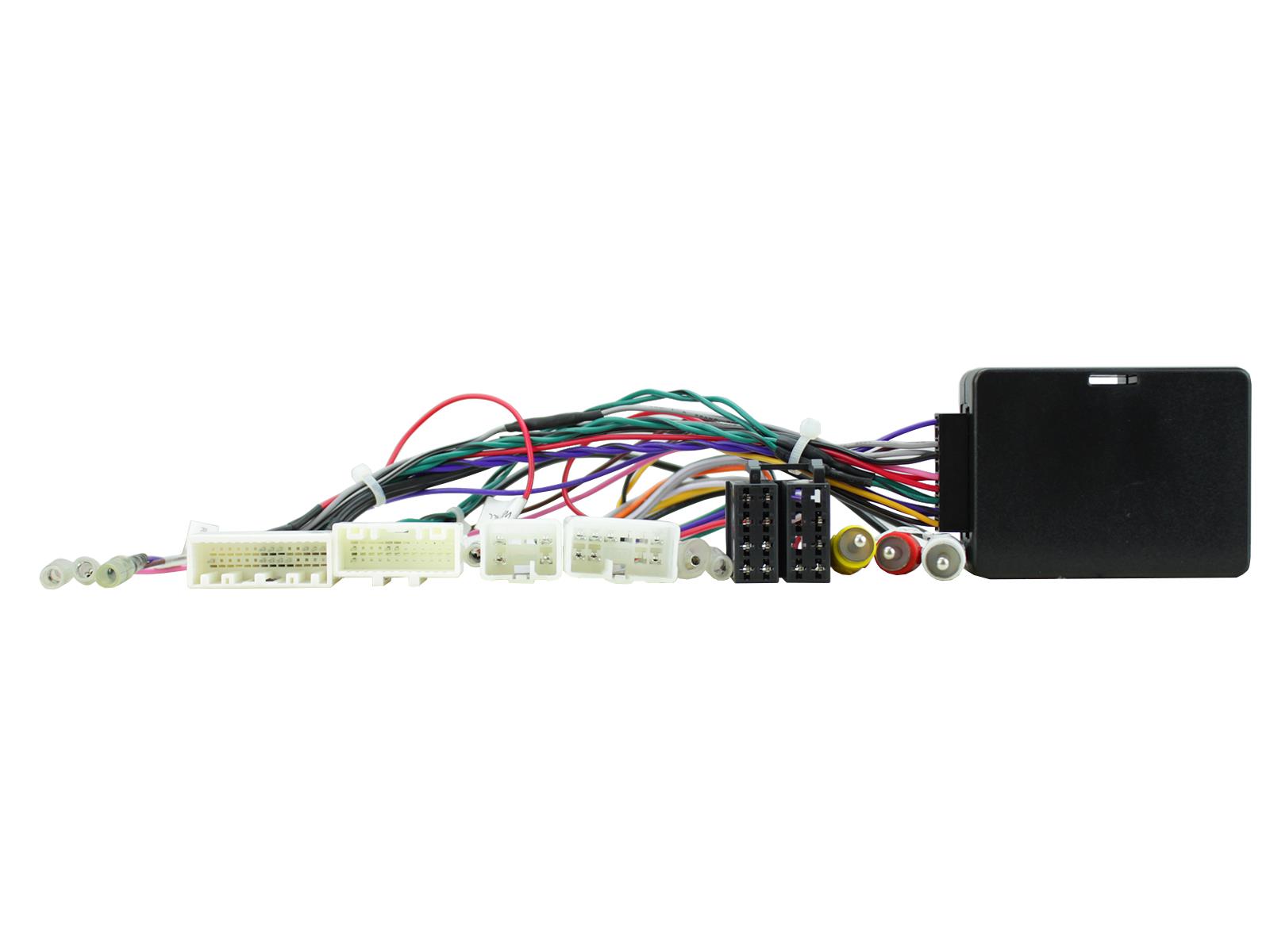
CTSTY019.2
360-Degree Camera & Steering Control Retention Interfaces
Toyota Highlander 2018-2019
Toyota Land Cruiser Prado 2014-2017
Toyota Land Cruiser Prado 2018-2019
Toyota RAV4 2016-2018
-
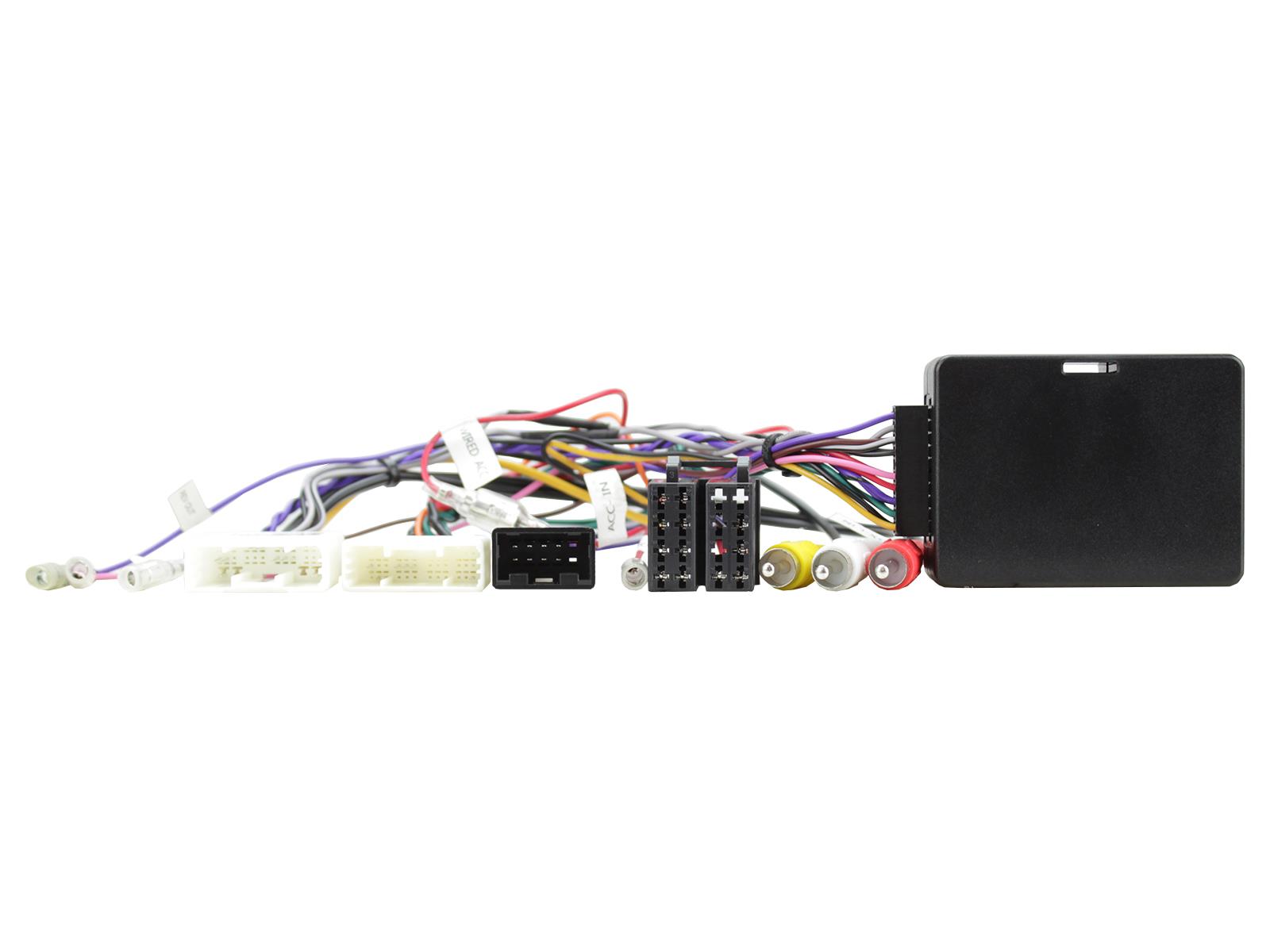
CTSTY020.2
360-Degree Camera & Steering Control Retention Interfaces
Toyota RAV4 2019-2020
-
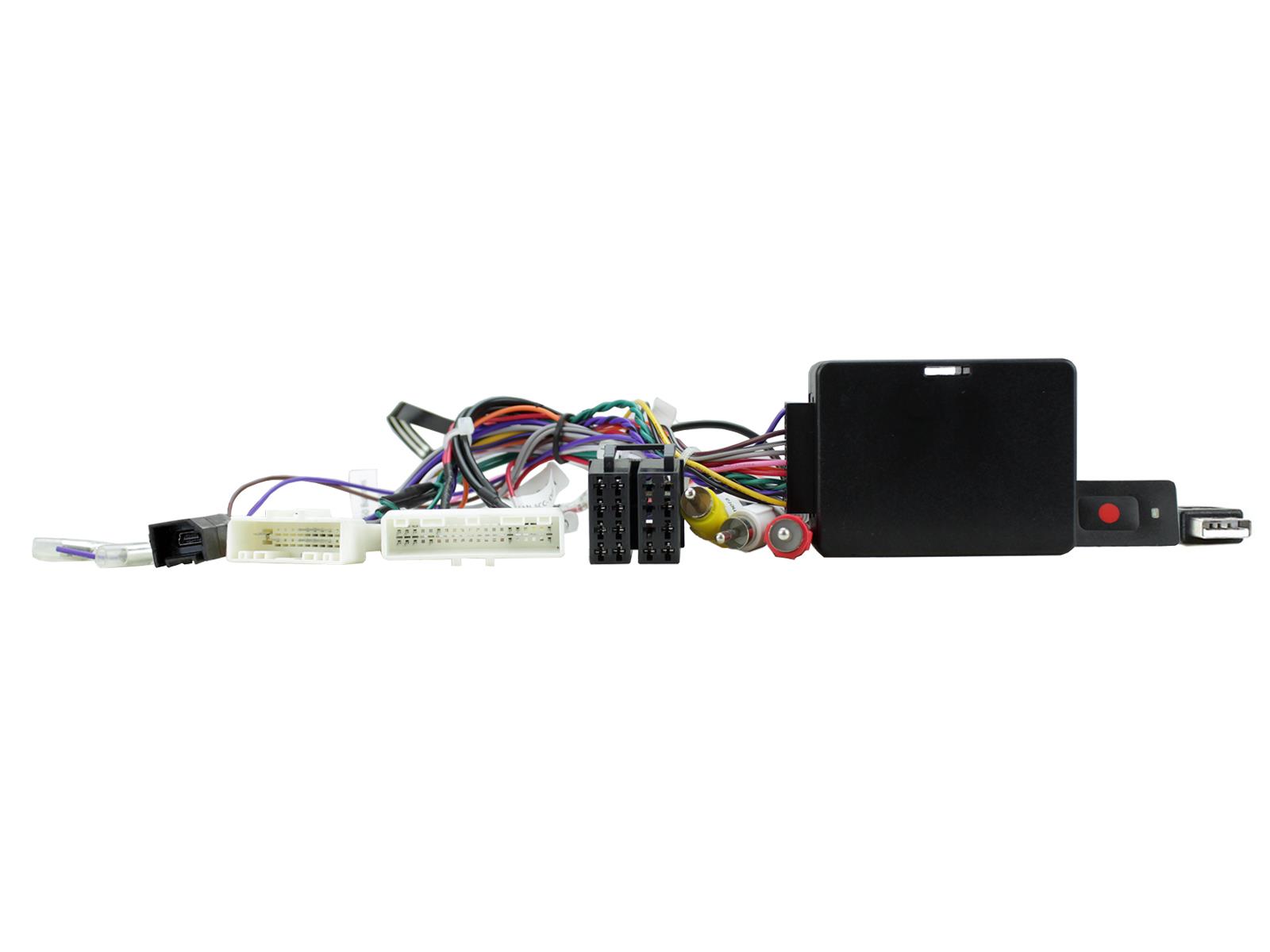
CTSNS024.2
360-Degree Camera & Steering Control Retention Interfaces
Nissan Altima 2013-2018
Nissan Murano 2015-2018
Nissan X-Trail 2014-2016
OUR BRANDS
Quality. Reliability. Innovation.
We pride ourselves in being a world leader in vehicle technology. Home to several global sub-brands which have become synonymous with expertise in their respective categories. Over the past few years, we have worked tirelessly to develop these go-to market brands, and the innovative products within them, to ensure you get best-in-class quality and access to innovation.

Connects2Vision provides a full range of front, side and rear facing cameras, interfaces, monitors and accessories with a wealth of features and fitting options to increase visibility where you need it most.

CAN Connect is a new range of CAN Bus interfaces used in everything from cars, commercial vehicles through to boats, Powersports, ATV’s and mobile machinery.

Phoenix Gold takes your audio system to the next level. With high-end, award-winning amplifier, speaker and subwoofer solutions you have everything you need for that perfect audio upgrade

Stinger provides premium multimedia, high-performance audio, lighting and audio installation accessories and sound damping material for passenger, power sports, and marine vehicles.

AutoDAB integration is design to bring you digital radio into every vehicle without replacing your entire audio system.

PAC is the pinnacle of integration giving you the tools for a perfect installation into today's increasingly complex car audio systems

AudioControl products offer a comprehensive range of sound processing and car integration products, built with flexibility in mind

Stinger’s Roadkill range of sound deadening eliminates unwanted noises that can diminish your vehicle's audio

AAMP Global are the UK distributor of premium audio brand FOCAL. Focal’s high-fidelity sound promises to provide intense pleasure and enhance every second on the road.
Latest Video
Visit our YouTube channel for all the latest videos…
NEW - The ultimate Land Rover Defender upgrade! With a 10-inch digital touchscreen, our multimedia system features integrated vehicle data, including vehicle and off-road gauges. With effortless smartphone connectivity, you can enjoy the convenience of Apple CarPlay, Android Auto, hands-free calling, Bluetooth streaming, and a built-in DAB/DAB+ Digital Radio. Enhance safety and convenience with four camera inputs, which can be activated via the screen, reverse gear, or turn signals. Contact us for more information. Part No. UN1810E-LR1. Visit our Stinger website for more information: stingerelectronics-eu.com
This series of camera-enabled interfaces allow owners of specific Nissan vehicles to retain many factory features that are often lost when installing an aftermarket stereo, including the multi-linguistic feature of the factory camera system.
This new CTKAU15 kit for the Audi R8 (Type 42) comes with everything you need to install an aftermarket head unit whilst retaining the use of your multifunctional steering wheel controls and phone functionality. Our bespoke fascia plate is made of a high-quality Polycarbonate solution (PC-ABS) for durability and has been colour matched to suit the vehicle’s original aesthetics. The fascia kit also includes mounting accessories needed for fitment. A left-hand drive solution is also available CTKAU15L.
Introducing a ground-breaking new installation kit for Volvo V70, XC70 & S80 vehicles. You can now upgrade your Volvo stereo and retaining your steering wheel control as well as a range of vehicle features. The fascia allows for a seamless fit into the vehicle dashboard. Suitable for the installation of any single DIN stereo.


